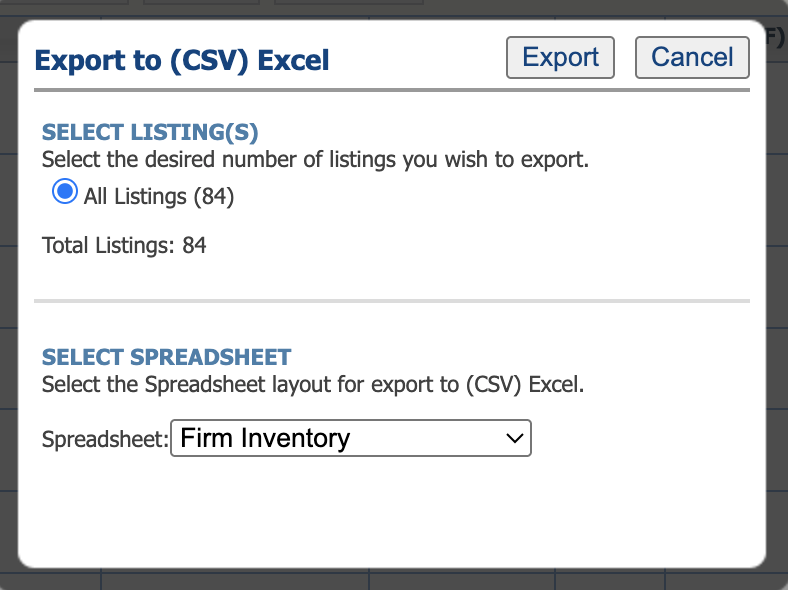
How to export a CSV file from Paragon for adding sold listings to your website.
We need this when we set up your new website to add your sale history. Please follow these steps in Paragon & send us your CSV file.
Step 1:
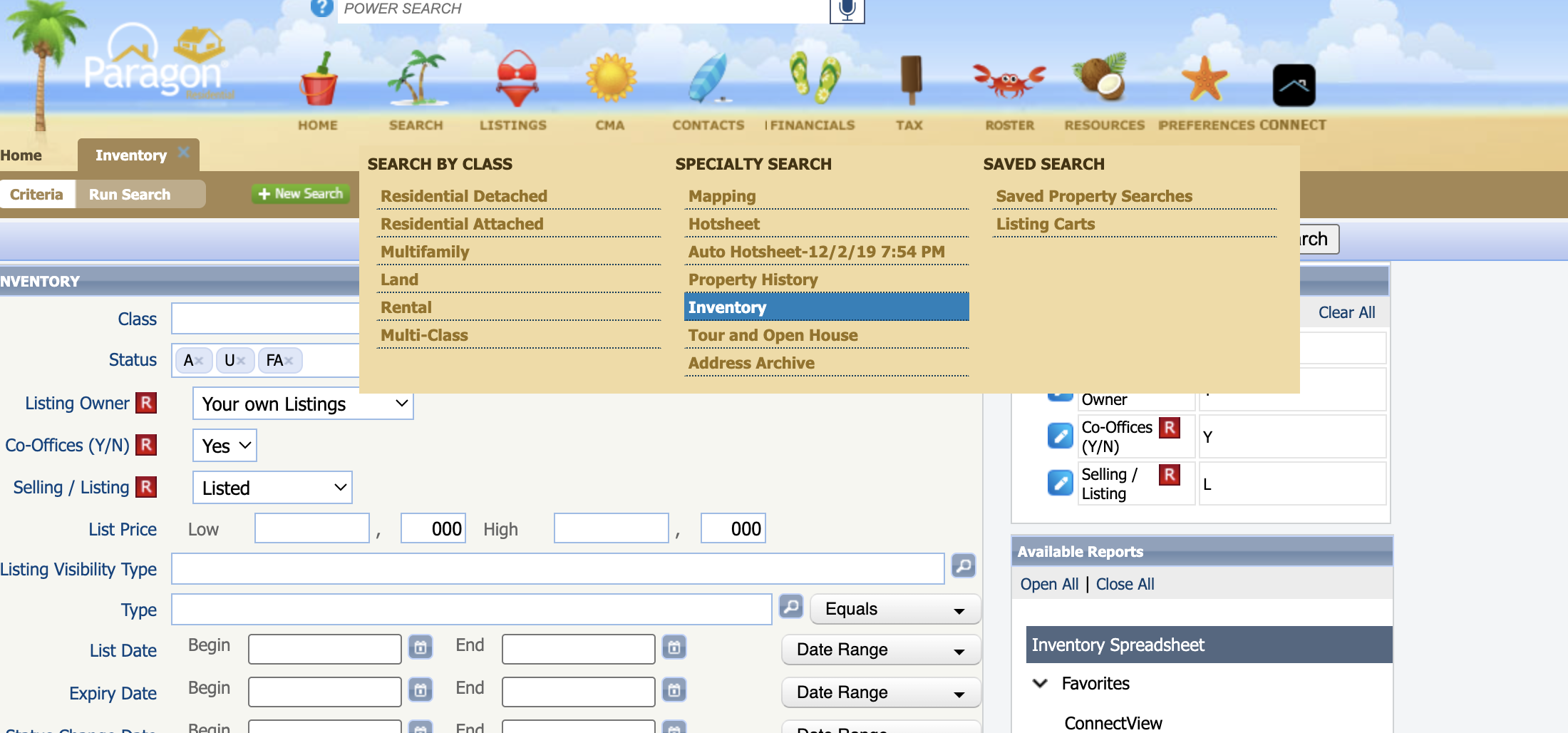
Click on Search > Inventory

Step 2:
Remove all other statuses and add ALL SOLD:
Step 3:
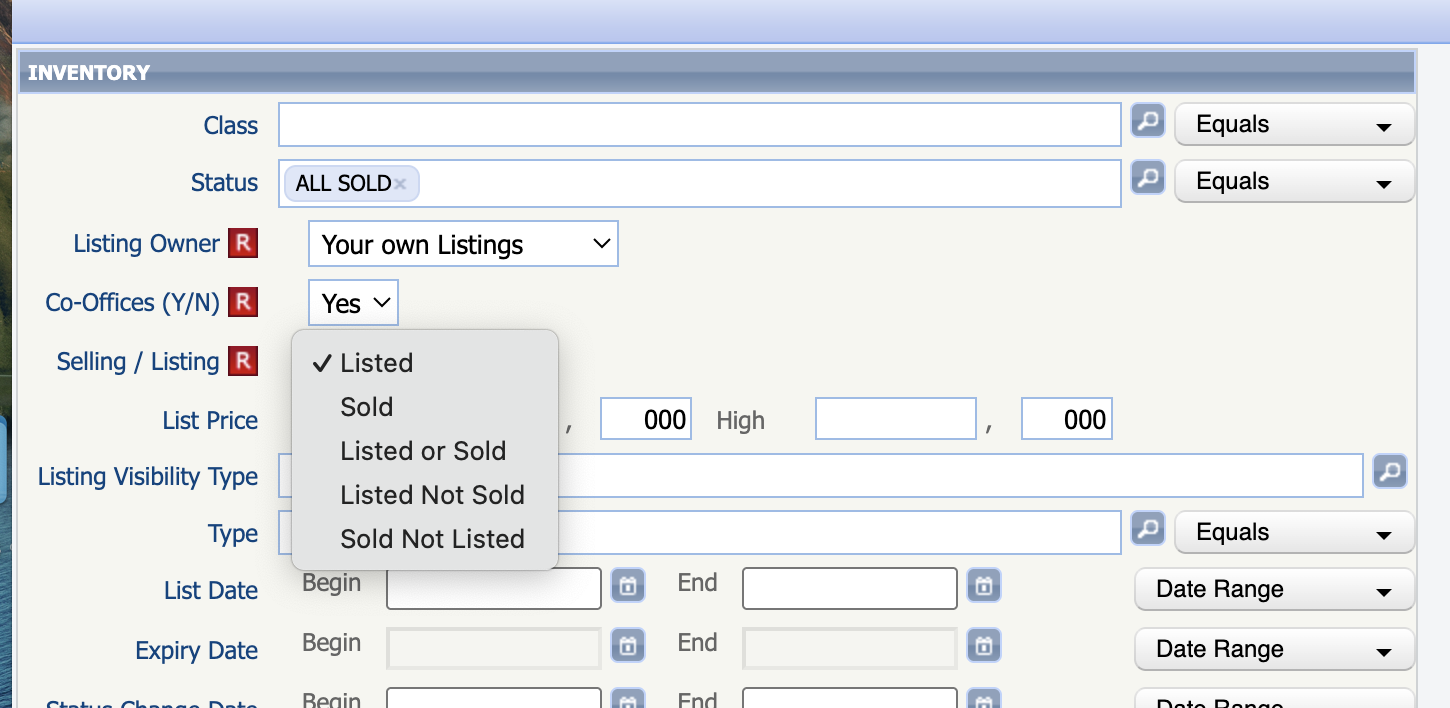
Choose “Listed” to export listing sales only; “Sold” to export sales on the buying side; and "Listed or Sold" to display both. We recommend “Listed or Sold”:
Step 4:
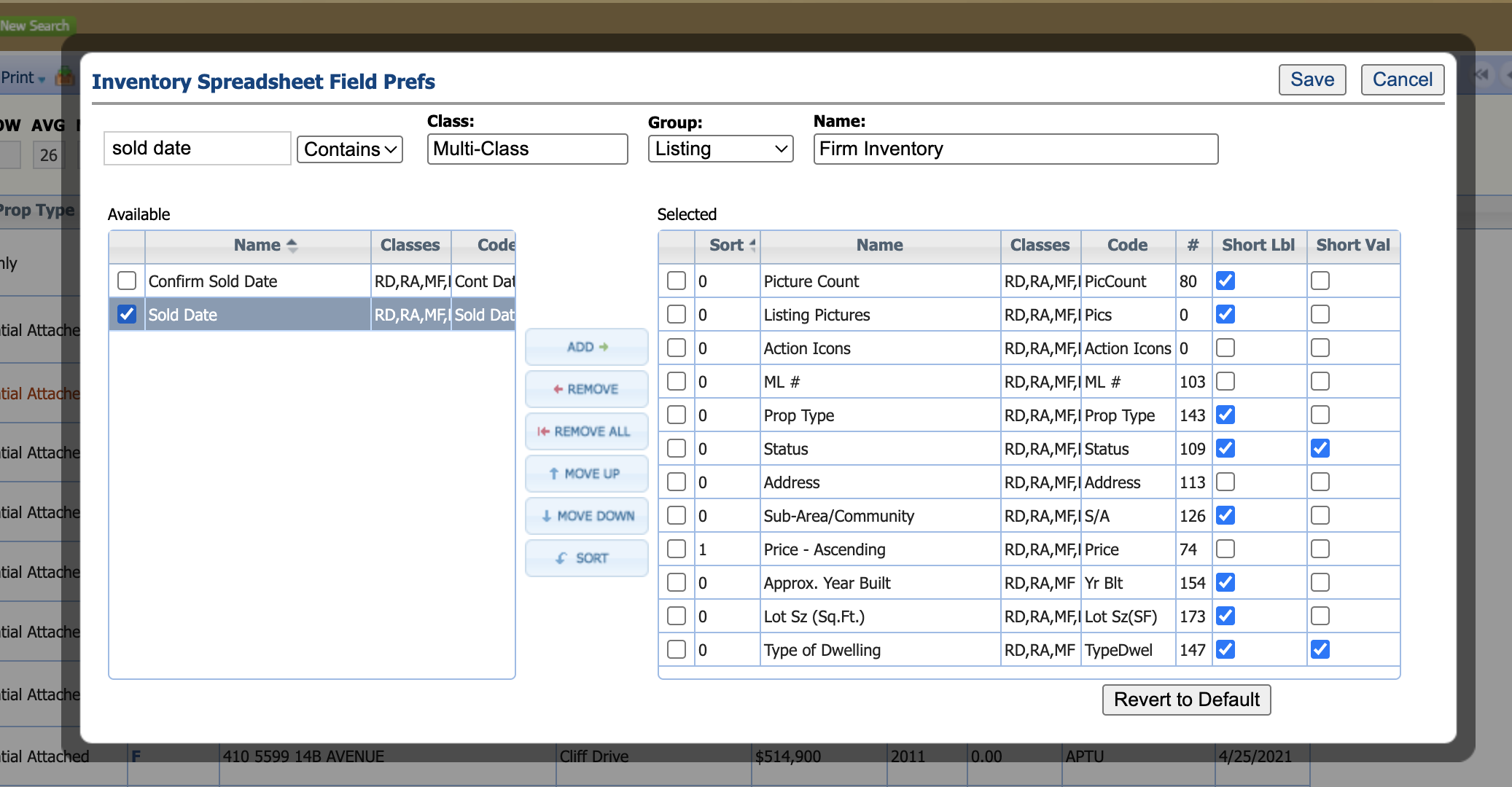
Now you are looking at a list of your solds. Click on Customize —> Fields:

Step 5:
Add “Sold Date” and press Save:
Step 6:
Click Export —> Export to CSV —> Export, and then send us this CSV file: